To check a UAE traffic fine, open the official service for the issuing authority and search using the identifiers it supports: vehicle plate details, traffic file or code, or driving licence. Review the violation and payable amount before paying. This guide helps you choose the right service; your fine records stay on the official portal.
Choose the correct traffic fine inquiry portal
| Where the fine was issued | Official starting point | Detailed guide |
|---|---|---|
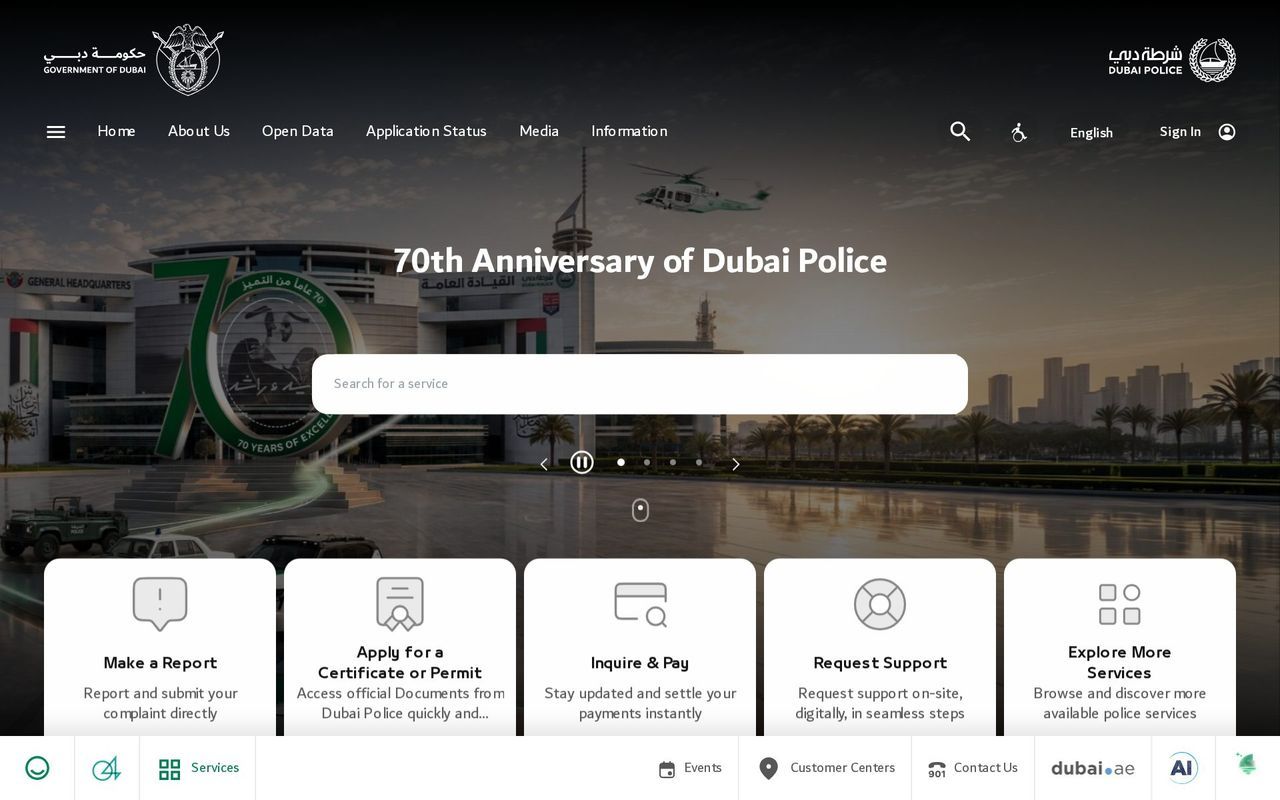
| Dubai | Dubai Police fines inquiry and payment | Dubai Police fines / Dubai RTA fines |
| Abu Dhabi | TAMM | Abu Dhabi traffic fines |
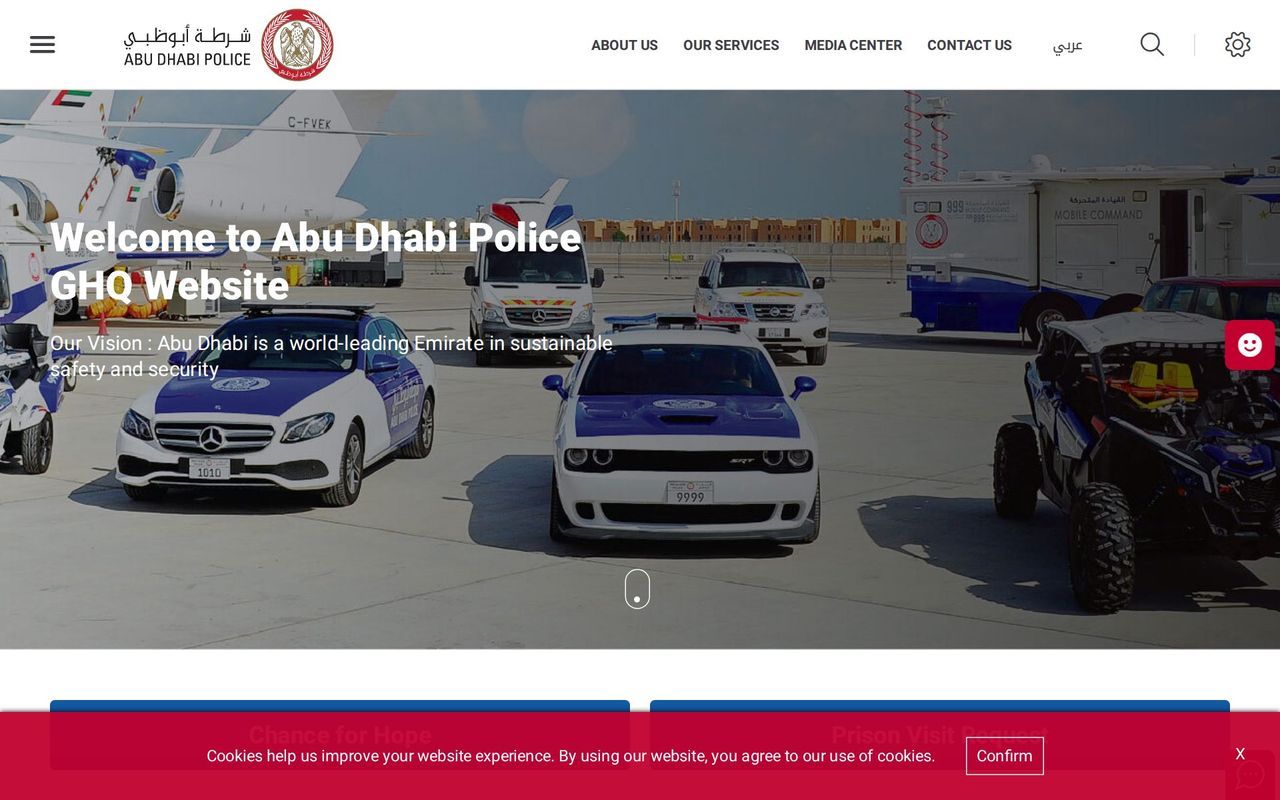
| Sharjah | Sharjah Police / MOI traffic services | Sharjah traffic fines |
| Ajman, Ras Al Khaimah, Fujairah and Umm Al Quwain | MOI traffic services | Select the traffic fine inquiry/payment service and your plate source. |
The emirate on your plate and the authority that issued a violation can differ. If the result is unclear, check the fine issuer shown on the record or contact that authority rather than assuming that one empty search clears all liabilities.
How to check traffic fines by plate number
- Select the official portal above and open its traffic fines inquiry/payment service.
- Choose plate details when that search method is offered. Enter the plate source/emirate, category, code or letter and number exactly as registered. Some services also request a traffic number.
- Complete UAE Pass sign-in or verification if the service requires it. Other available search methods may use a driving licence or traffic code.
- Read the violation number, date, issuing authority, fine amount and any black-point or impoundment requirements.
Use our plate-number fine checker and field guide to prepare the details. The MOI traffic fine payment manual illustrates the plate and traffic-file fields used by the federal service.
How to pay after the inquiry
- Verify that the record belongs to the correct vehicle or driver and check the final payable amount.
- Resolve any instructions about black-point assignment or restricted fines before attempting payment.
- Pay through the authority’s own checkout and keep the receipt or transaction reference.
- Check the record again after processing; use the official support channel if a paid violation remains unresolved.
For eligible Abu Dhabi and Sharjah fines, read the discount conditions and use the fine discount calculator. Count eligibility from the violation date. Confirm any Dubai offer directly with Dubai Police or RTA.
What if no fine appears?
Recheck the plate source, code, category and number, or try a supported traffic-file/licence search. A newly recorded violation may not appear immediately, and rental-car records can be handled through the vehicle owner. There is no single guaranteed posting time across authorities.
For a hired vehicle, follow the tourist and rental-car fines guide. Toll and parking accounts may require separate checks through Salik, Darb or the relevant parking operator.
How to appeal a traffic fine
An inquiry tells you what is recorded; an appeal challenges a particular violation. Save the violation number, date and any supporting evidence, then use the issuing authority’s current objection or review service. The route and requirements differ by authority. Do not assume that an appeal pauses payment deadlines or guarantees cancellation.
For Dubai, begin with Dubai Police traffic services; for Abu Dhabi, check the relevant TAMM service; for Sharjah or a federal fine, check the issuing police authority or MOI. Follow the instructions and deadlines shown for the specific service.
Frequently asked questions
Can I check a UAE traffic fine using only my plate number?
A portal may also need the plate source, category and code, and sometimes a traffic number or sign-in. Use the exact details requested by the official service.
Can I check traffic fines using my Emirates ID?
Where supported, UAE Pass or an identity-linked account can show related records. Do not assume every portal offers an anonymous Emirates ID-only search.
Does one traffic inquiry include Salik, Darb and parking fines?
Not necessarily. Police traffic records, toll accounts and parking operators may use separate services. Check each relevant authority.