Mawaqif is Abu Dhabi's paid public-parking system. If you park without a valid ticket or permit, in the wrong zone, or overstay your paid time, you will get a Mawaqif fine. This guide explains how to check Mawaqif fines, pay them, get a parking permit, and avoid violations.
What is Mawaqif?
Mawaqif (Arabic for parking) is the regulated paid-parking scheme in Abu Dhabi, managed under the Integrated Transport Centre (ITC). Parking is divided into standard and premium zones, with the paid hours shown on the signs. You pay by SMS, the Mawaqif/Darb app, or ticket machines.
Common Mawaqif fines
Typical Mawaqif violations include:
- Parking without a valid ticket or permit.
- Overstaying the time you paid for.
- Parking in the wrong category, such as a permit-only or premium bay.
- Parking outside marked bays, on pavements, or blocking access.
Fine amounts depend on the violation, so always confirm the current figure on the official TAMM or Mawaqif channels before paying.
How to check Mawaqif fines
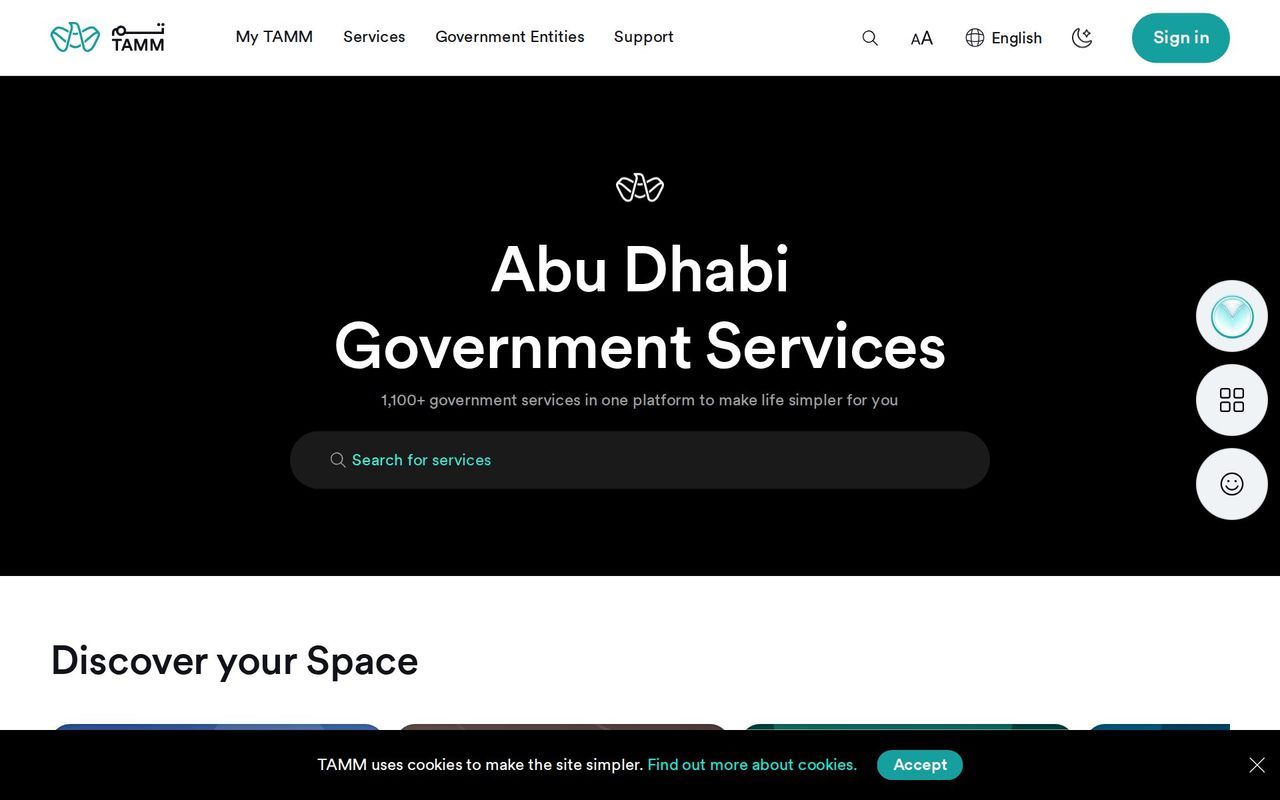
- TAMM: Abu Dhabi's government platform tamm.abudhabi shows traffic and parking fines.
- Mawaqif / Darb app: check and pay parking fines from your phone.
- By plate number: enter your plate to see outstanding parking fines.
How to pay Mawaqif fines
- Through TAMM or the Mawaqif/Darb app by card.
- At Abu Dhabi Police or TAMM service centres and kiosks.
Clear parking fines before renewing your vehicle registration, as they can block the renewal.
Mawaqif parking permits
Residents of Abu Dhabi can apply for a Mawaqif residential permit to park near their home at a reduced annual rate. Apply through TAMM with your Emirates ID, tenancy contract and vehicle registration.
How to pay for Mawaqif parking
- SMS: send your plate number and the duration to the Mawaqif shortcode shown on the meter.
- App: start and extend parking from the Mawaqif/Darb app.
- Machines: pay at the parking ticket machines on the street.
Tips to avoid Mawaqif fines
- Check the sign for paid hours and zone type before you leave the car.
- Set a reminder before your paid time expires, or extend from the app.
- Only use bays that match your permit.
FAQ — Mawaqif fines
How do I check Mawaqif fines by plate number?
Enter your plate number on TAMM or the Mawaqif/Darb app to see outstanding parking fines in Abu Dhabi.
How do I pay a Mawaqif fine?
Pay by card through TAMM or the Mawaqif/Darb app, or at an Abu Dhabi Police or TAMM service centre or kiosk.
What is the fine for parking without a ticket in Abu Dhabi?
Mawaqif issues a fine for parking without a valid ticket or permit; the amount depends on the violation, so confirm the current figure on TAMM before paying.
How do I get a Mawaqif resident parking permit?
Apply through TAMM with your Emirates ID, tenancy contract and vehicle registration to park near your home at a reduced annual rate.
Do unpaid Mawaqif fines affect car registration?
Yes — outstanding parking fines can block your vehicle registration renewal, so clear them first.